Connected Learning at Home: How a Three Band 5G Router Powers Remote Education and Family Success
来源:
|
作者:WMQ
|
发布时间 :2025-08-07
|
55 次浏览:
|
🔊 Click to read aloud
❚❚
▶
|
Share:
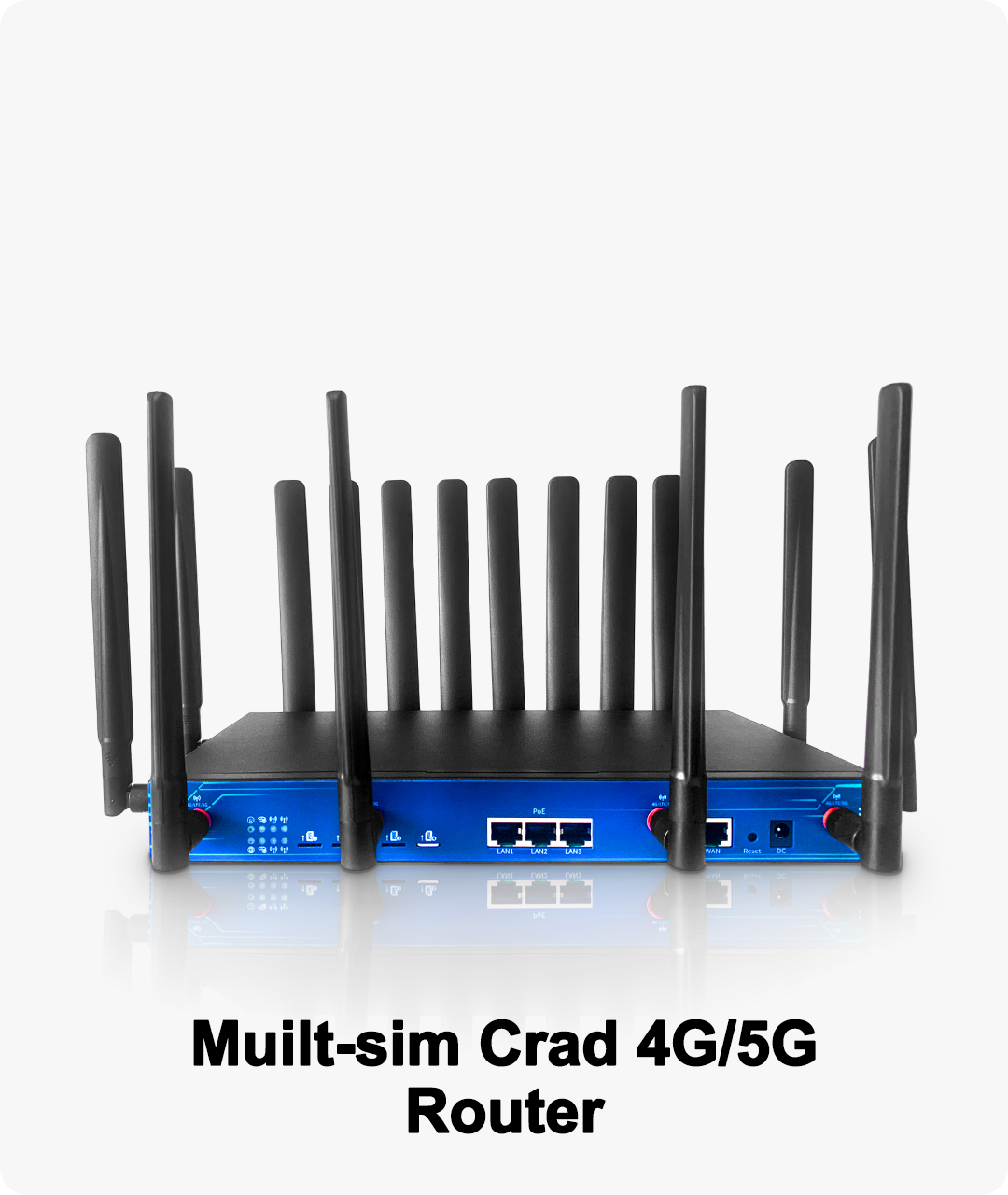
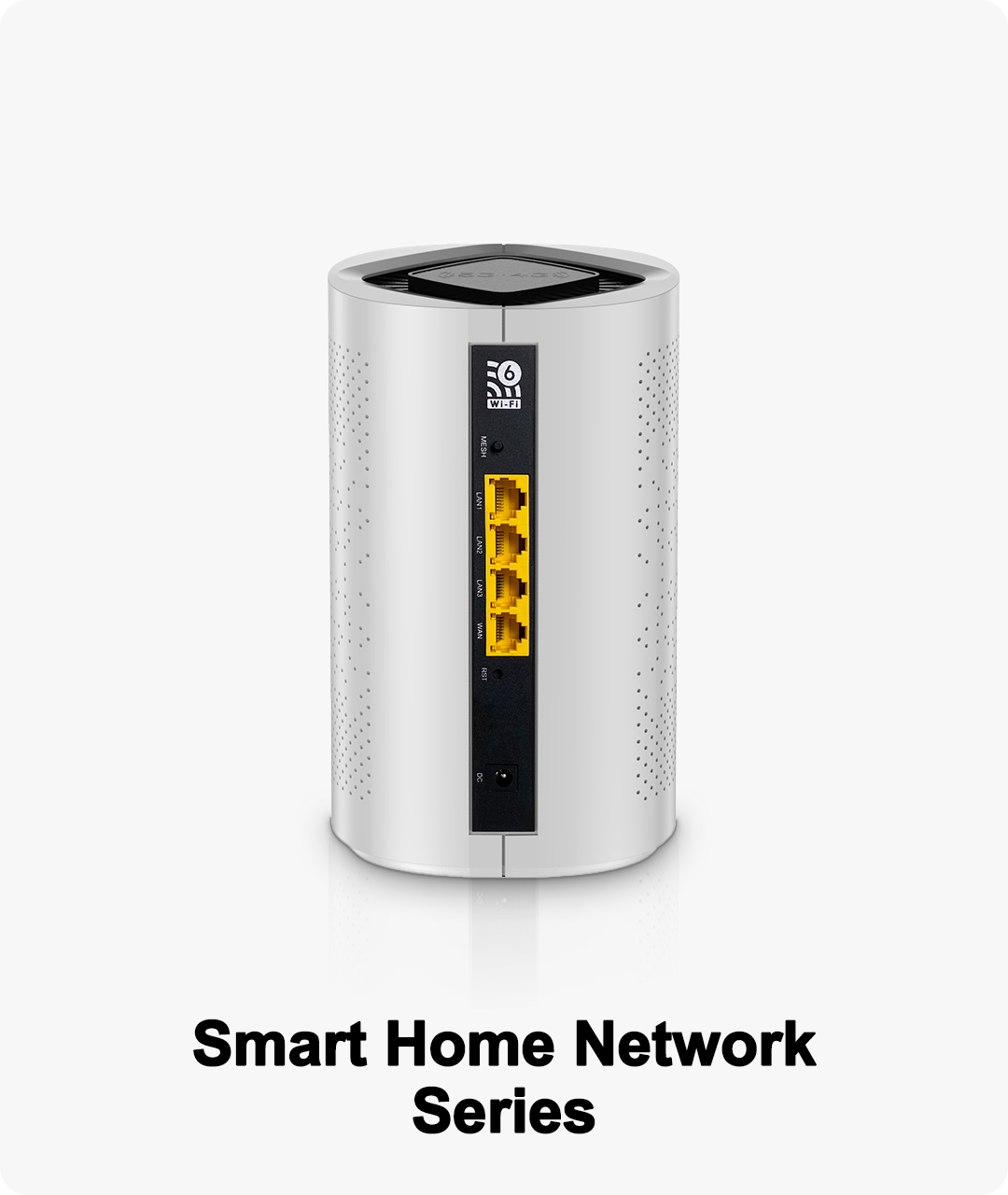
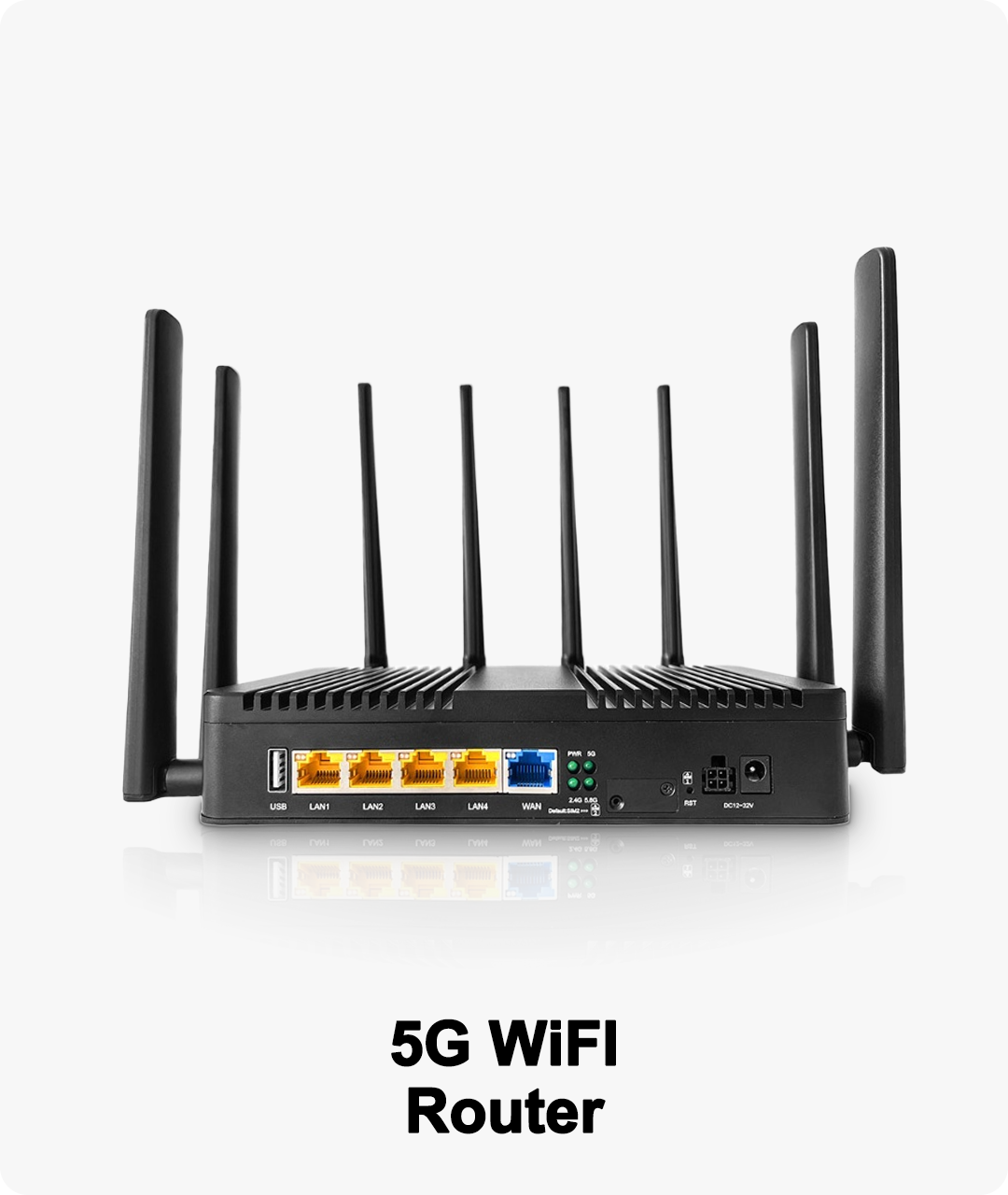
Today’s families juggle online classes, remote work, and entertainment—often all at once. A Three Band 5G Router provides the reliable, high-speed, and flexible WiFi foundation that modern learning, teaching, and family routines need to thrive, no matter how busy or connected your home becomes.
The Rise of the Connected Household
Home is now the classroom, the office, the conference room, and the entertainment hub. Kids join lessons on laptops, parents attend meetings via video calls, siblings game online, and smart devices automate daily routines. Traditional routers struggle to keep up—but a Three Band 5G Router is built for this new digital era.
How a Three Band 5G Router Empowers Remote Learning and Family Life
1. Tri-Band Power for Every Device and Every Role
Three bands = less congestion: Assign school devices to one band, work laptops to another, and leave a third for streaming, gaming, and smart home gadgets.
Handles 100+ connections: Perfect for large families, learning pods, or shared households.
Consistent speeds: Video calls, live lectures, and homework uploads stay smooth—even during peak usage hours.
2. 5G Backup: Learning Never Stops
Automatic failover: If your main internet goes down, 5G instantly takes over—no missed lessons, meetings, or deadlines.
Portable power: Move your router to a new room, new home, or take it on a family trip—just add power and stay connected.
3. Smart Management for Busy Families
App-based controls: Set up networks for students, teachers, parents, and guests with just a few taps.
Parental controls: Limit screen time, block distracting sites, and schedule WiFi for focused homework hours.
Guest WiFi: Visitors and tutors connect securely without accessing family or school devices.
4. Security and Privacy for All Ages
Real-Life Scenarios for Connected Households
Remote classes: Multiple kids attend video lessons in different rooms while parents work—all without a single dropped call.
Online tutoring: Tutors connect securely via guest networks, ensuring privacy and a seamless experience.
Homework and projects: Large files, cloud documents, and group collaborations upload quickly and reliably.
Family evenings: After learning and work, enjoy smooth movie streaming, gaming, and smart home automation on dedicated WiFi bands.
Easy Setup for Every Family
Plug in your Three Band 5G Router and insert a 5G SIM for backup.
Use the mobile app to set up custom networks (students, parents, guests, IoT).
Schedule internet access and activate parental controls.
Expand coverage with mesh nodes for bigger homes or learning spaces.
Why Families and Students Choose Three Band 5G Routers
No more fighting over bandwidth or dropped lessons.
Reliable backup keeps learning and work on track.
Scalable for growing households and future devices.
Easy to manage, so parents can focus on what matters.