Unleash Ultimate Streaming: How an OpenWRT 5G Router Transforms Home Entertainment
来源:
|
作者:WMQ
|
发布时间 :2025-08-12
|
49 次浏览:
|
🔊 Click to read aloud
❚❚
▶
|
Share:
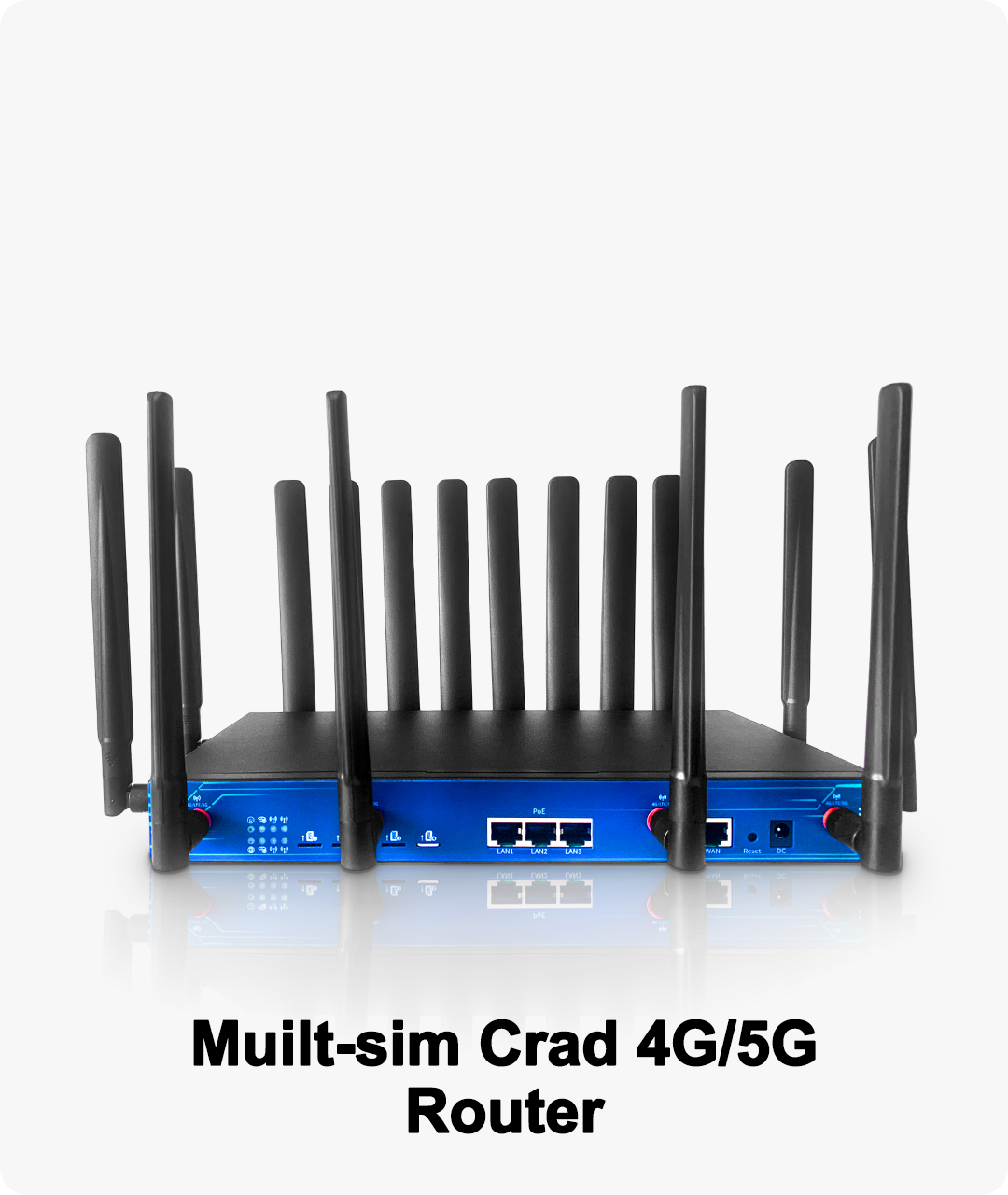
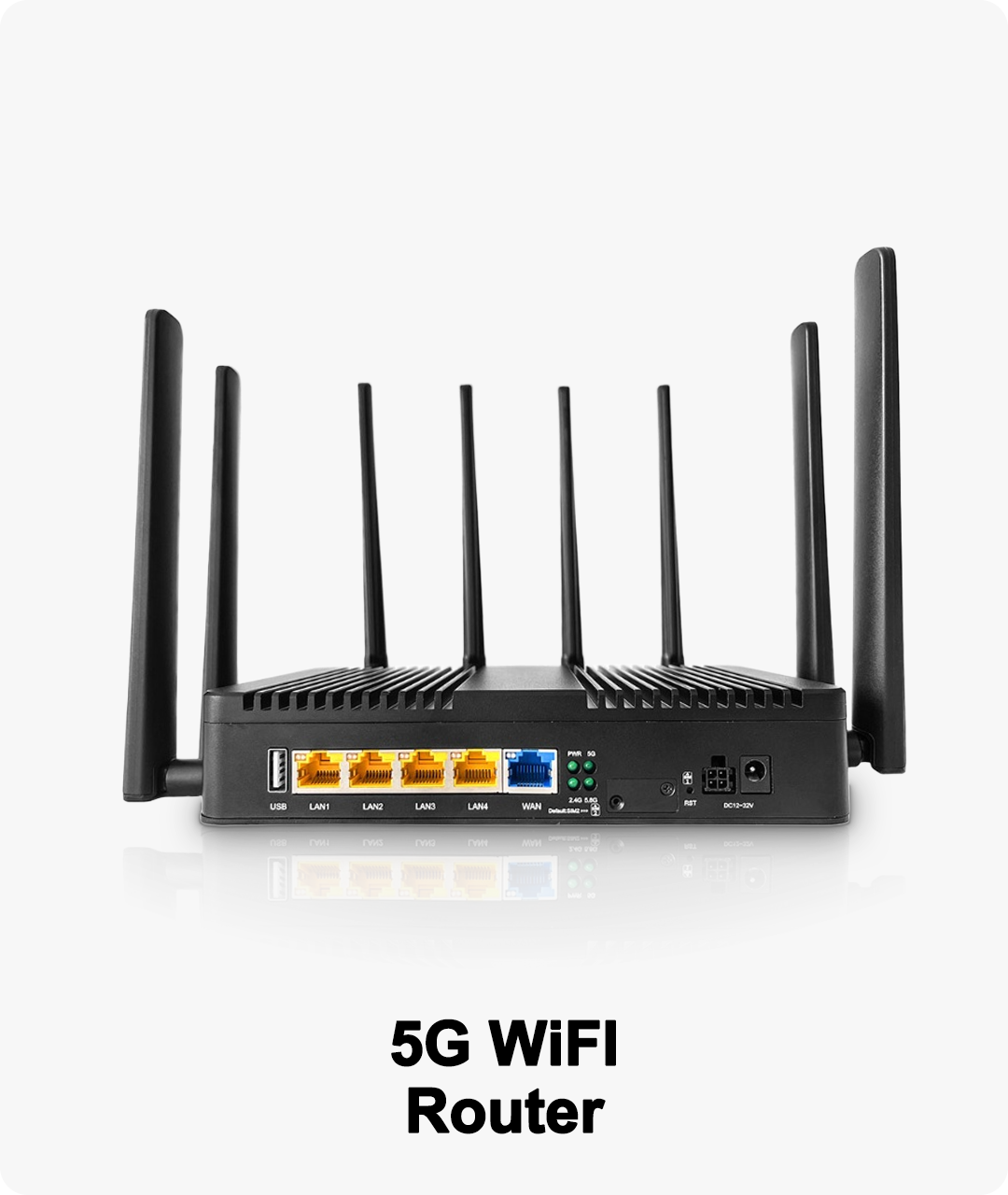
Movie marathons, live sports, online gaming, and smart home devices—all can slow down a typical home network. With an OpenWRT 5G Router, you get open-source flexibility and next-gen 5G performance, so your home entertainment is always fast, smooth, and customizable for everyone.
The Demands of Modern Home Entertainment
A modern household is packed with streaming TVs, consoles, tablets, speakers, and smart gadgets—all hungry for bandwidth. When everyone wants to watch, play, and connect at once, traditional routers often can’t keep up. The result? Buffering, lag, and arguments over WiFi.
With an OpenWRT 5G Router, you get a network built for serious entertainment, high performance, and easy customization.
How an OpenWRT 5G Router Powers the Ultimate Home Theater
1. 5G Speed for Seamless Streaming and Gaming
Blazing-fast 5G: Enjoy 4K/8K movie nights, live sports, and cloud gaming without buffering or stutter.
Handles peak demand: Multiple streams, downloads, and uploads can run together with zero slowdown.
2. Advanced Traffic Management for All Devices
Quality of Service (QoS): Prioritize streaming, gaming, or video calls so family favorites always get the fastest lane.
Bandwidth monitoring: See who’s using what—great for balancing kids’ games, parents’ movies, and everyone’s devices.
3. Open-Source Features for Custom Fun
Install media servers: Use OpenWRT packages to run Plex, DLNA, or Samba for sharing videos and music at home.
Ad and tracker blocking: Clean up your streaming experience and protect privacy for every device on your network.
Parental controls: Set limits or block access to certain content or platforms, keeping entertainment safe for all ages.
4. Multi-Device, Whole-Home Coverage
Mesh networking: Easily expand coverage for big homes, multiple floors, or outdoor movie nights.
Separate networks: Create custom WiFi for smart TVs, consoles, guests, and IoT to avoid interference and lag.
Real-Life Entertainment Scenarios
Family movie night: Stream 4K/8K content on multiple TVs with no lag, while someone else plays games or listens to music.
Game tournaments: Compete online with zero ping spikes, thanks to prioritized bandwidth and 5G backup.
Home parties: Share guest WiFi for friends—keep your family’s devices fast, secure, and interruption-free.
Cloud and remote access: Download media to tablets or phones on the go, with VPN support for private, global streaming.
Easy Steps to Upgrade Your Home Network
Flash OpenWRT firmware onto your 5G-compatible router.
Set up QoS and custom networks for streaming, gaming, and smart devices.
Install and configure media server and adblock packages as needed.
Add mesh nodes for extra coverage, if your space is large or multi-level.
Use the OpenWRT dashboard to monitor performance and tweak settings anytime.
Why Families and Media Fans Love OpenWRT 5G Routers
No more buffering, lag, or WiFi battles.
Control and customize every aspect of your entertainment network.
Expandable for future devices and smart home features.
Always-on fun, thanks to 5G backup and open-source flexibility.