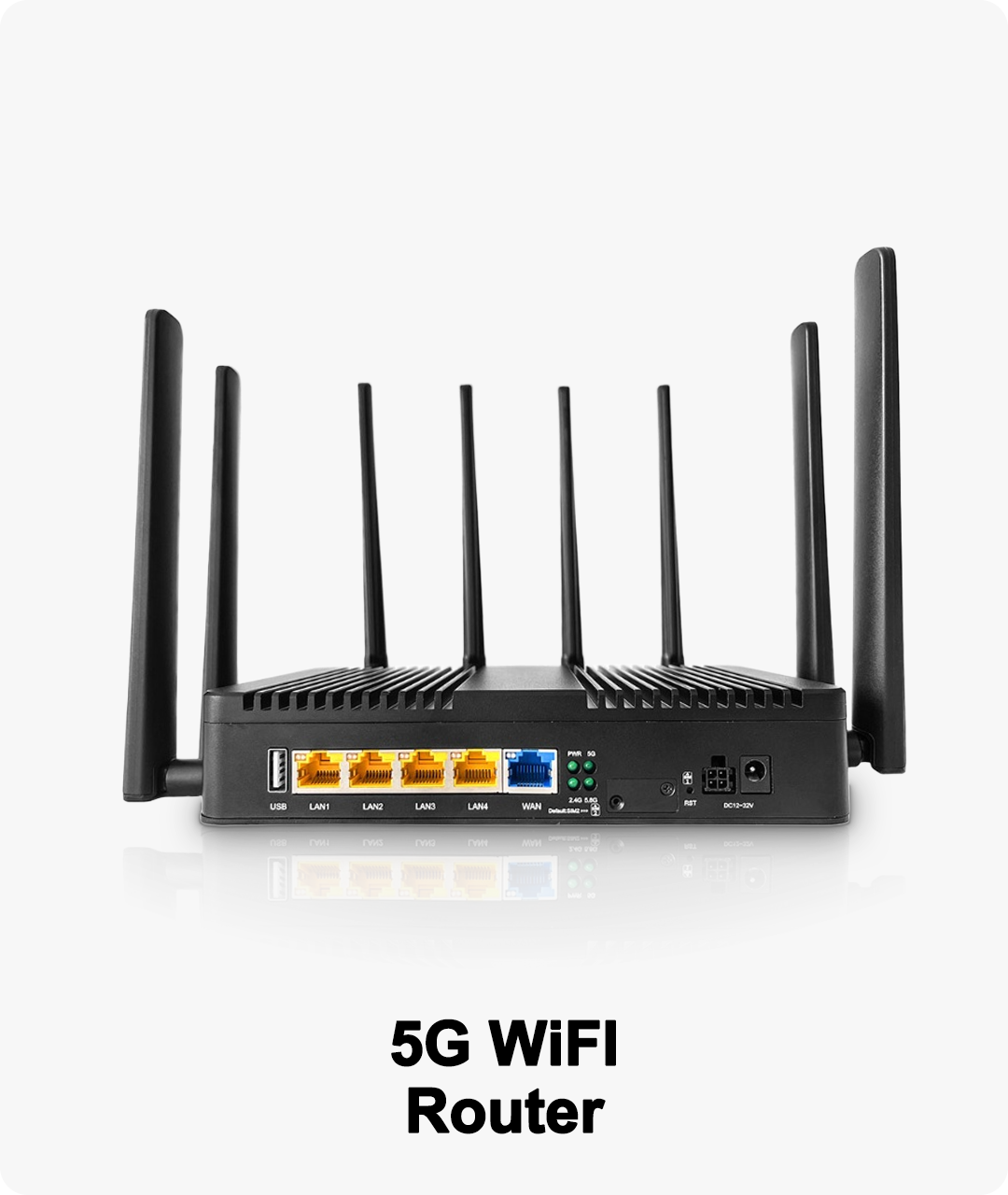
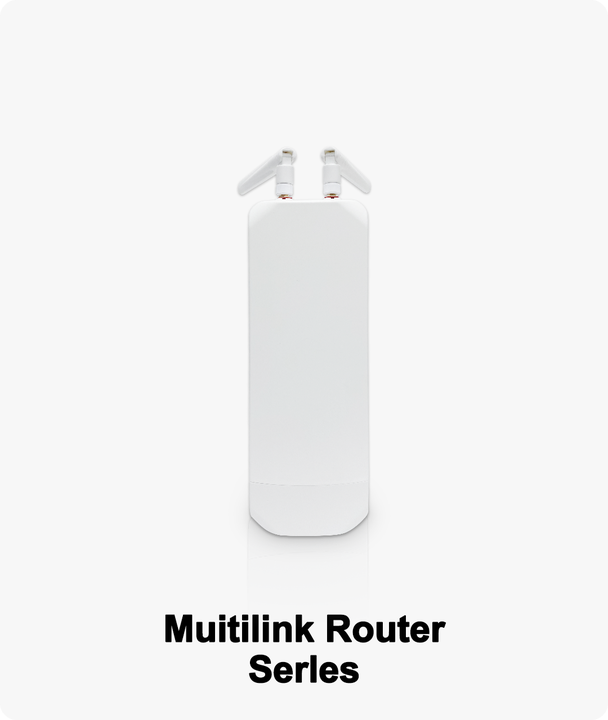
WiFi 7 routers are packed with advanced features, but getting the most from them requires careful setup. Here’s how to optimize your new network for speed, stability, and security:
Step 1: Choose the Best Location
Place your router in a central, elevated, and open area. Avoid putting it near thick walls, microwaves, or cordless phones, which can cause interference.
Step 2: Enable Multi-Link Operation
Access your router settings (usually via web browser or mobile app) and enable multi-link operation to use all available bands. This provides more capacity and minimizes congestion.
Step 3: Setup Mesh Networking
For large homes or offices, connect additional mesh nodes. WiFi 7 mesh systems automatically optimize coverage and seamlessly handoff devices as you move through the space.
Step 4: Configure Security
Activate WPA3 encryption, set a strong password, and enable automatic updates. For families, use parental controls to restrict content and device access times.
Step 5: Prioritize Critical Devices
Use the Quality of Service (QoS) or AI optimization feature to prioritize devices like gaming consoles, work laptops, or 8K TVs. Many routers have a “gaming mode” or “media streaming mode” for one-click prioritization.
Step 6: Monitor and Optimize
Regularly check for firmware updates and use the router’s app to monitor speed, signal strength, and connected devices. Advanced models let you run speed tests, diagnose issues, and receive suggestions for improvement.
Troubleshooting Tips:
If a device can’t connect, try moving it closer or switching it to a different frequency band.
For slow speeds, reboot your router, check for interference, and make sure your device supports WiFi 7 features.
Use the guest network for visitors to keep your main network secure.
Advanced Features:
WiFi 7 routers support advanced options like VLANs for business users, AI-driven optimization, parental dashboards, and integration with smart home platforms (Google Home, Alexa, Apple HomeKit).
Pro Tip:
Download your router’s mobile app for easy setup, monitoring, and troubleshooting. Many brands now offer step-by-step wizards and live chat support right in the app.
Industry Reference:
A 2024 Consumer Reports survey found that users who followed manufacturer setup guides for their WiFi 7 routers achieved 35% faster average speeds and fewer disconnections.