BE19000 Multi-WAN & 5G Backup – Real-World Deployment Checklist
来源:
|
作者:WMQ
|
发布时间 :2025-10-08
|
47 次浏览:
|
🔊 Click to read aloud
❚❚
▶
|
Share:
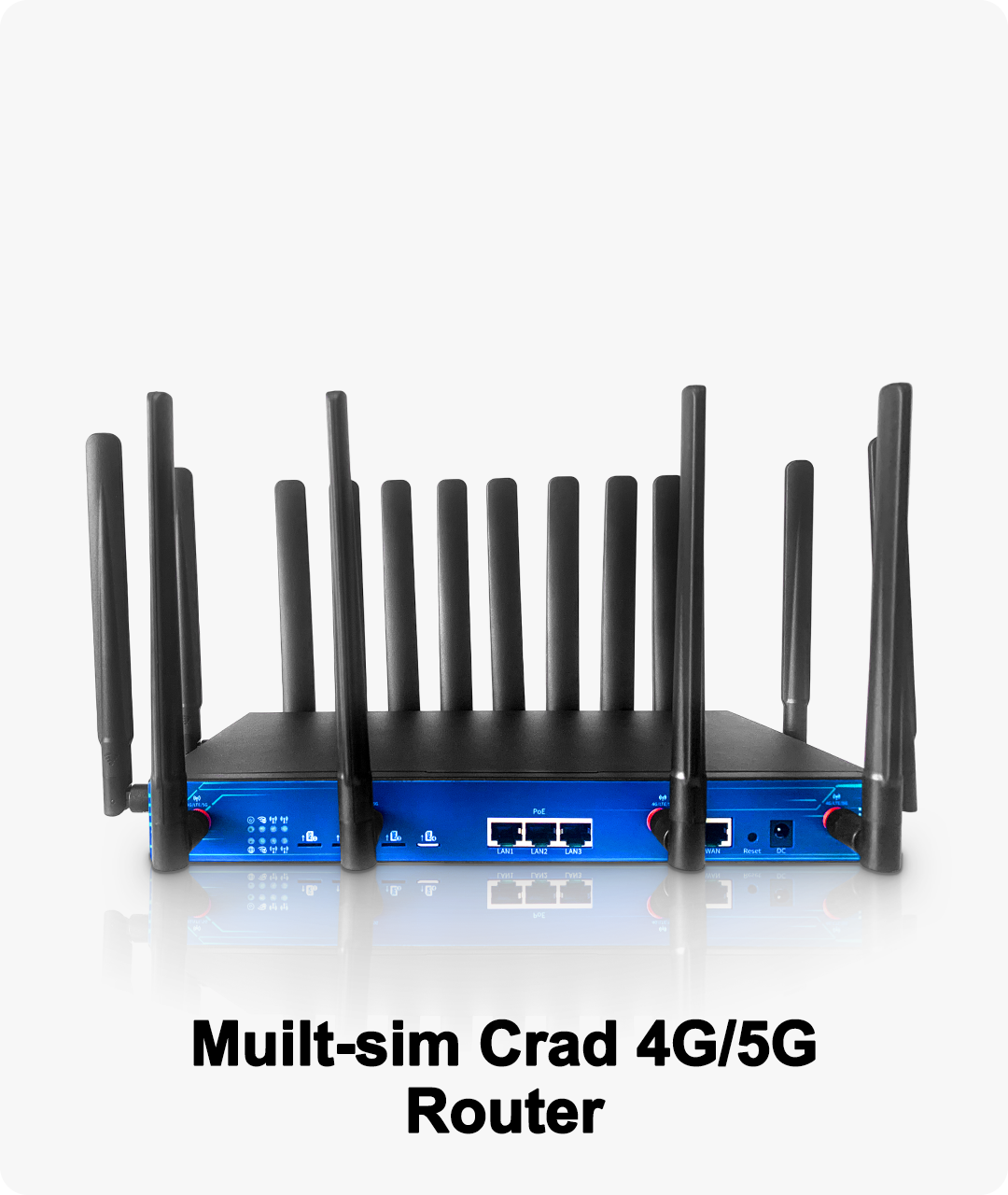
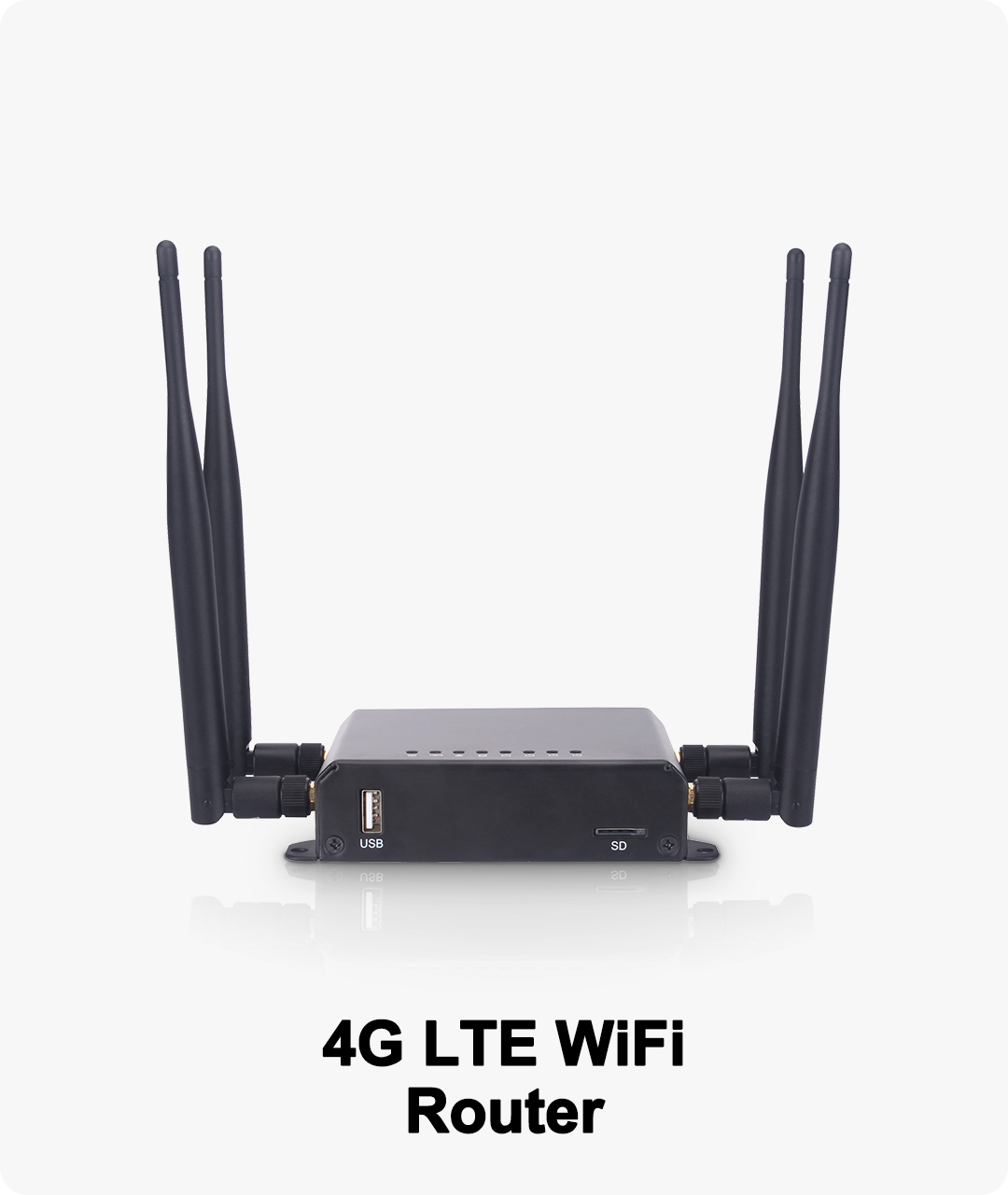
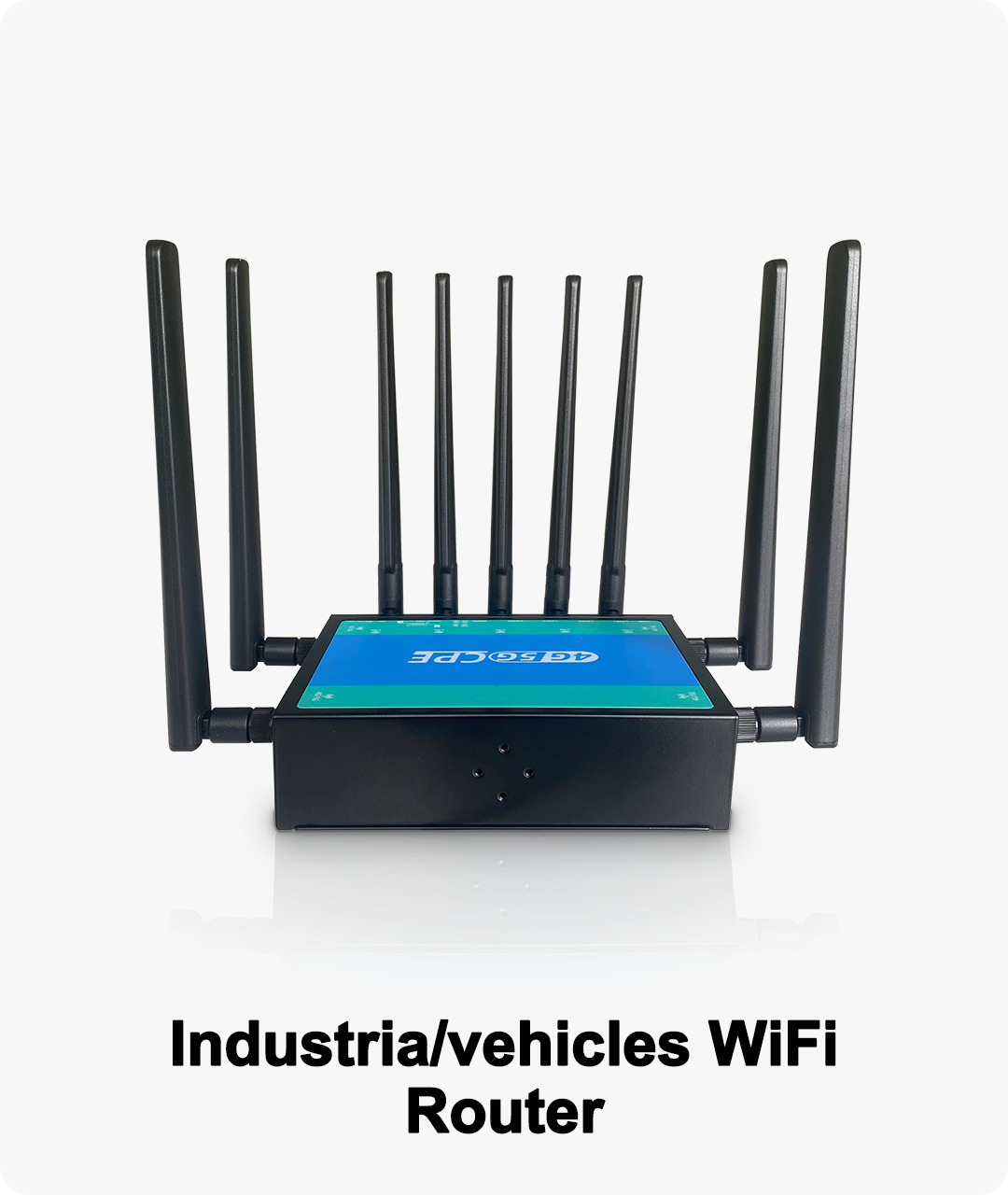
Deploying a redundant network with multi-WAN and 5G backup has never been easier. This checklist provides step-by-step instructions for BE19000 routers, covering WAN connections, SIM setup, failover configuration, QoS, VLAN, and performance monitoring to ensure uninterrupted small business operations.
Introduction
For small businesses, network downtime is costly. Whether it’s a retail store losing POS transactions or an office missing critical video calls, interruptions can disrupt operations and revenue. The BE19000 router with multi-WAN and 5G backup allows IT teams to implement redundant, fail-safe internet connectivity.
This checklist provides a step-by-step guide for deploying a reliable network that keeps your business online, no matter the situation.
Real-World Deployment Checklist
Step 1: Prepare WAN & SIM Connections
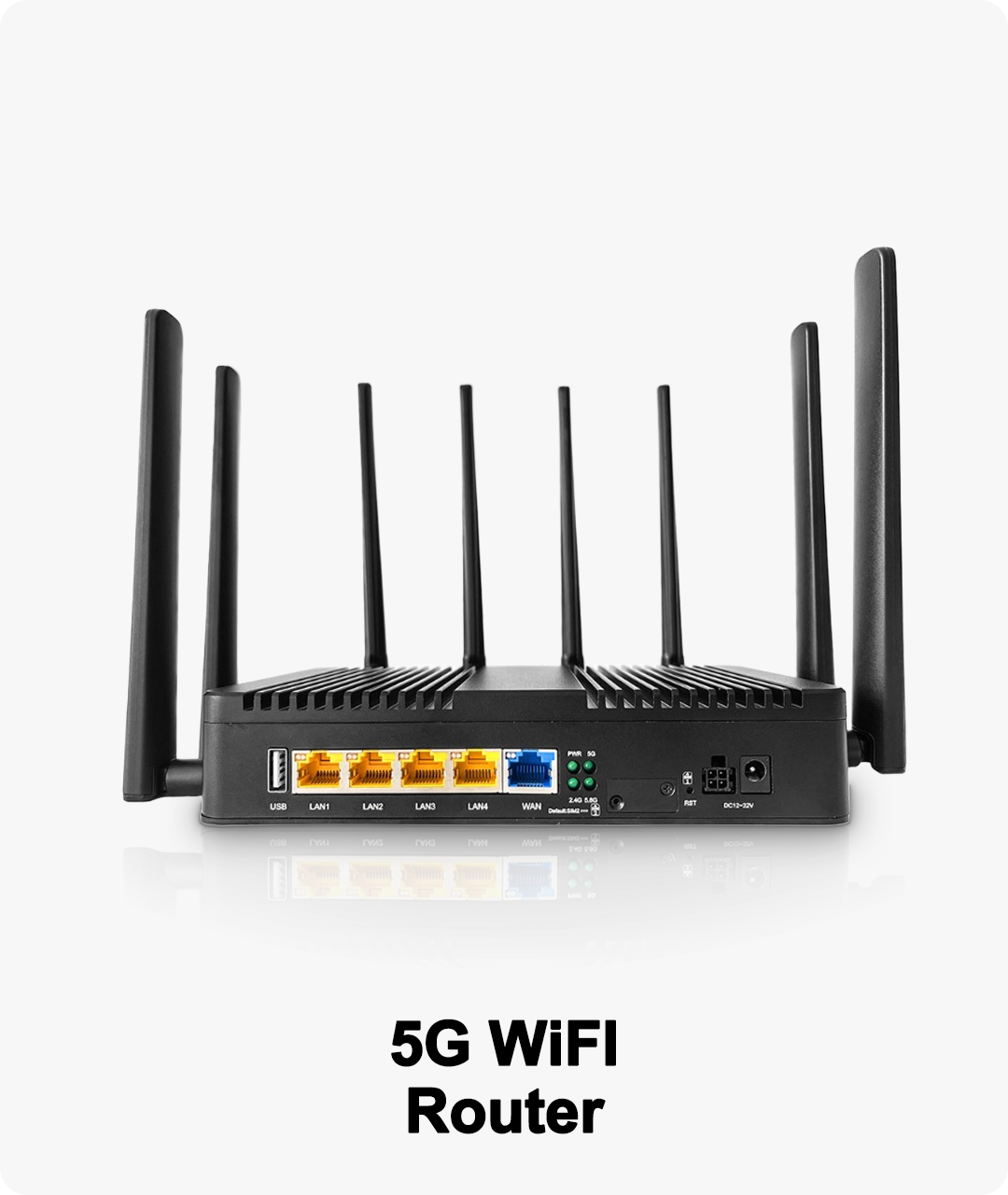
Primary WAN: Connect your main broadband line to WAN1.
Secondary WAN: Connect backup broadband to WAN2.
5G SIM: Insert SIM into the router’s SIM slot.
Check LEDs or router interface to confirm connectivity for all links.
Step 2: Configure Multi-WAN Load Balancing
Access router interface: Login to BE19000 management portal.
Navigate to Network Settings → WAN Configuration → Load Balancing.
Enable Load Balancing:
Save & apply settings.
Test: Verify traffic is distributed correctly and throughput matches expectations.
Step 3: Set Up 5G Failover
Navigate to Cellular Backup → 5G Failover in management interface.
Enable automatic failover when WAN1/WAN2 goes down.
Configure failback: Auto-switch back to primary once restored.
Test failover: Disconnect WAN lines, verify 5G takes over under 3 seconds, and critical apps remain online.
Step 4: Prioritize Critical Applications (QoS)
Step 5: Implement VLAN & Traffic Segmentation
Enable VLANs for different departments or device groups:
Set inter-VLAN rules to restrict unauthorized access.
Confirm each VLAN maintains sufficient bandwidth.
Step 6: Test Failover and Load Balancing
WAN Failover: Disconnect WAN1 → WAN2 and 5G take over.
5G Failover: Disconnect WAN1/WAN2 → SIM takes over automatically.
Return to primary: Restore WAN1, verify router switches back seamlessly.
Performance check: Critical apps should remain online with minimal latency.
Step 7: Monitor Performance
Dashboard Monitoring: WAN speeds, SIM link status, per-VLAN traffic.
Set alerts:
Schedule regular checks and firmware updates.
Step 8: Scenario-Based Adjustments
| Scenario | Recommended Setup | Notes |
|---|
| Office | Dual WAN + 5G | QoS for ERP & VoIP, VLAN by department, failover interval 2-3 seconds |
| Retail Store | WAN + 5G SIM | POS priority, guest Wi-Fi low priority, monitor bandwidth |
| Construction / Temporary Site | WAN + 5G backup | SIM failover with fast detection, isolate IoT & project apps |
Step 9: Document Configuration
Record WAN weights, VLAN IDs, QoS rules, failover settings
Keep a network diagram for future troubleshooting
Ensure IT staff and backup admins have access to the configuration
Actionable Takeaways
Follow this checklist to deploy redundant internet using BE19000 routers.
Optimize application performance, failover speed, and traffic segmentation.
Ensure your small business network remains online, secure, and high-performing, even during outages.