
D301, Building D, No. 54-6, Guanlan Avenue, Xinhe Community, Fucheng Street, Longhua District, Shenzhen ,China

Search
NameDescriptionContent

Optimizing Multi-WAN & 5G Backup for Maximum Performance
来源:
|
作者:WMQ
|
发布时间 :2025-10-08
|
50 次浏览:
|
🔊 Click to read aloud
❚❚
▶
|
Share:
Maximize your small business network reliability with multi-WAN load balancing and 5G failover. This guide shows how to prioritize critical applications, isolate traffic, optimize failover behavior, and monitor performance, ensuring uninterrupted connectivity for offices, retail stores, and temporary sites.
Introduction: Why Network Optimization Matters
A single network outage can halt POS transactions, cloud applications, or video calls. In fact, studies show that network downtime costs small businesses thousands per hour. Simply having a backup WAN or 5G SIM is not enough—you need optimized configuration to ensure business continuity under all circumstances.
1. Prioritize Critical Business Applications (QoS)
Problem: During peak usage, all applications compete for bandwidth, risking slowdowns for essential services.
Solution: Use Quality of Service (QoS) to prioritize traffic:
Access the router management interface (BE19000 series recommended).
Navigate to QoS settings.
Create rules for mission-critical applications:
POS transactions → Highest priority
Cloud ERP / VoIP / Video conferencing → High priority
Guest Wi-Fi or non-critical downloads → Low priority
Apply and save settings.
Result: Even under heavy load, critical apps maintain low latency and consistent throughput.
2. Isolate Traffic by Application or Department (VLAN & Segmentation)
Problem: Different departments or devices may interfere with each other.
Solution: Use VLAN segmentation:
Enable VLANs in the router interface.
Assign specific devices or subnets to VLANs:
Finance VLAN → POS and ERP
Marketing VLAN → Video streaming and cloud uploads
Guest VLAN → Customer Wi-Fi
Optionally, configure inter-VLAN routing rules to restrict cross-traffic.
Result: Each department or device group gets dedicated bandwidth and security, preventing one team from slowing down the entire network.
3. Optimize Failover Behavior
Problem: Automatic failover may switch lines too slowly or disrupt critical sessions.
Solution: Fine-tune failover settings:
WAN link monitoring: Set fast detection intervals (e.g., 2–3 seconds).
Failover policy:
Default: Only fail to backup if primary is fully offline
Optional: Weighted failover for non-critical traffic to backup WAN/5G
Return-to-primary policy:
Auto-switch back when primary link restores
Prevents “flapping” between connections
Test: Disconnect primary WAN and verify that critical applications continue without interruption—BE19000 typically switches to 5G backup in under 3 seconds.
4. Optimize Load Balancing Across Multiple WANs
Problem: Without proper load distribution, backup WAN may be underutilized while the primary is congested.
Solution:
Enable multi-WAN load balancing in the router interface.
Set WAN weights according to speed and reliability:
WAN1 (primary fiber) → 70% of traffic
WAN2 (secondary DSL or cable) → 30% of traffic
Assign critical apps to preferred WAN if needed.
Monitor performance using built-in traffic statistics.
Result: Both lines are efficiently utilized, ensuring maximum bandwidth and redundancy.
5. Performance Monitoring & Alerts
Problem: Optimizations are useless if you can’t detect issues early.
Solution:
Use router’s cloud management dashboard.
Monitor:
WAN/5G link status and speed
Bandwidth per VLAN and application
Latency for critical apps (VoIP, cloud ERP, POS)
Set alerts for:
Link failures
High latency
Bandwidth saturation
Scenario Example:
IT admin receives an alert that WAN1 latency spikes; traffic automatically shifts critical applications to WAN2 while WAN1 recovers, preventing any downtime for employees or customers.
6. Scenario-Based Best Practices
| Scenario | Recommended Setup | Optimization Tips |
|---|---|---|
| Office | Dual WAN + 5G | QoS for ERP, VoIP; VLAN by department; fast failover interval |
| Retail Store | Primary WAN + 5G SIM | Critical POS priority; guest Wi-Fi low priority; monitor bandwidth |
| Temporary / Construction Sites | WAN + 5G backup | 5G failover with fast detection; isolate IoT and project management apps |
Actionable Takeaways
Prioritize critical apps using QoS.
Segment traffic with VLANs to prevent bandwidth conflicts.
Tune failover intervals and return-to-primary policies.
Use load balancing to maximize WAN utilization.
Monitor performance continuously and set alerts for proactive response.
Recommended Hardware:
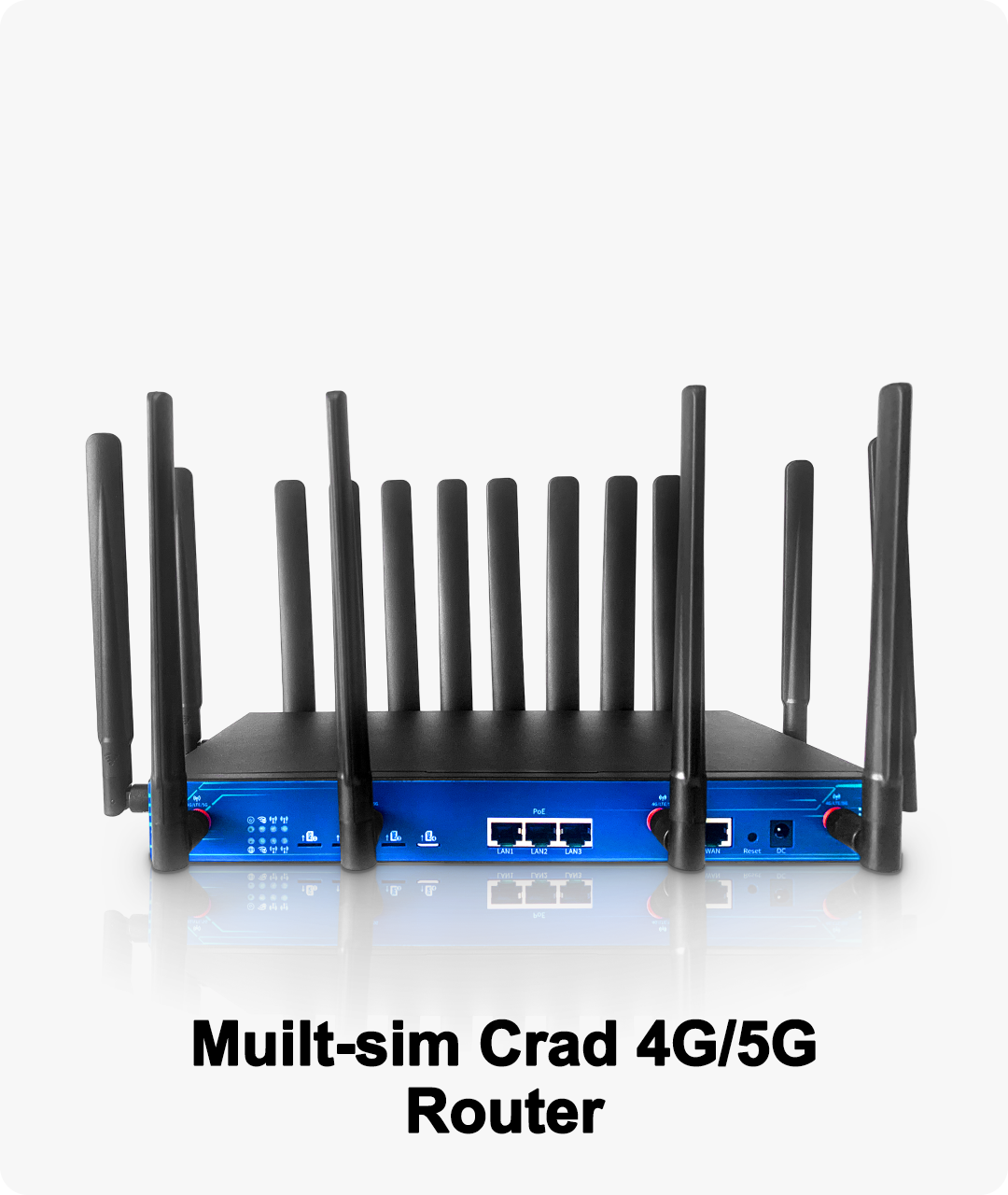
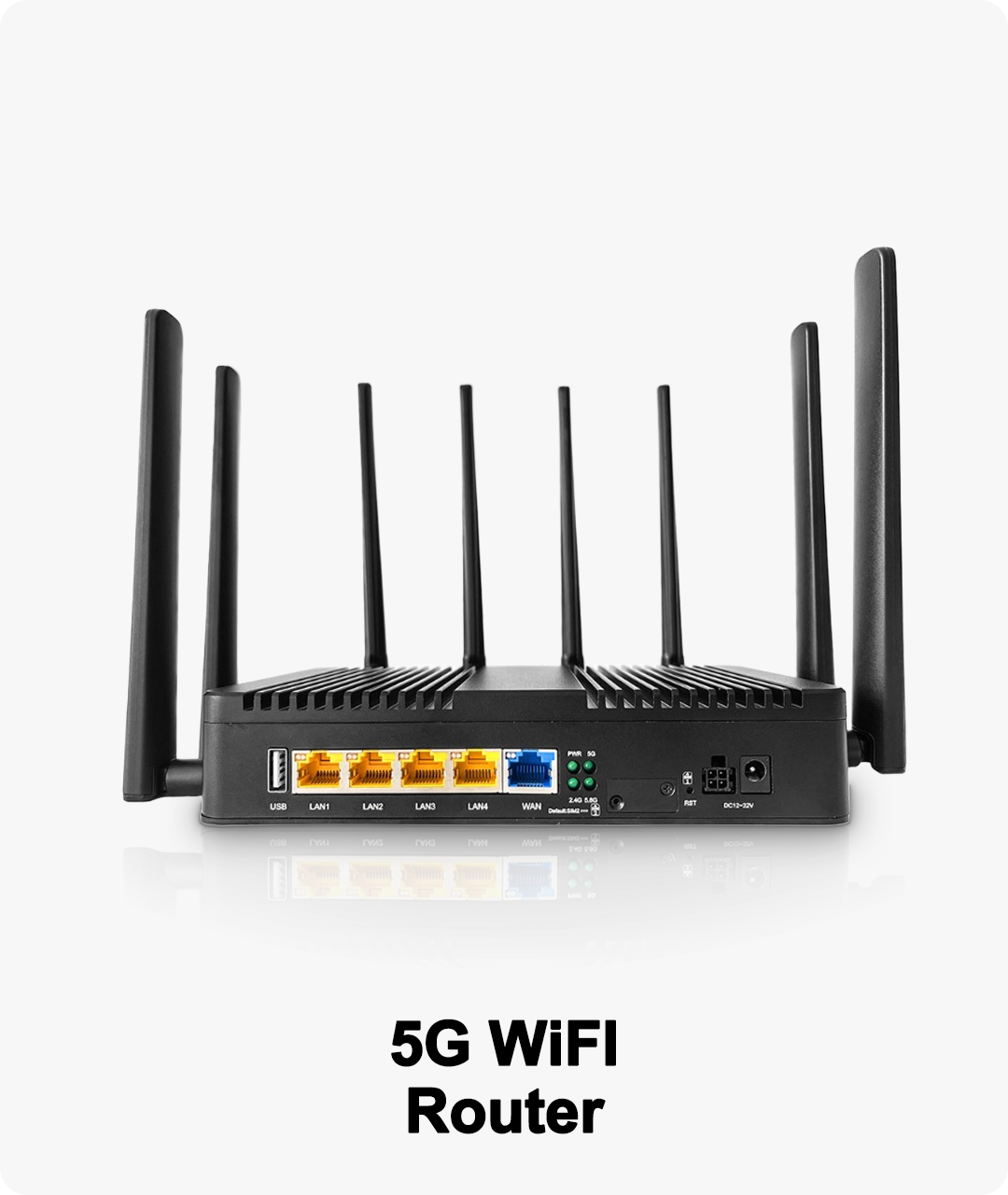
Routers like BE19000 series support multi-WAN load balancing, 5G failover, QoS, VLAN segmentation, and cloud management, making them ideal for small to mid-sized enterprises that demand continuous, high-performance connectivity.

+8615818538755
sales02@zbt-china.com


Copyright © Shenzhen Zhibotong Electronics Co., Ltd.
Quick Links
Search
NameDescriptionContent


Environment
Privacy Policy


Terms & Condition
